SEO Guide
A Technical SEO Checklist You Can Actually Work Through
A working technical SEO checklist for a small site: the reports to open, the settings to check, the order to fix things in, and the items safe to skip.
360 Digital Promotions 6 min read
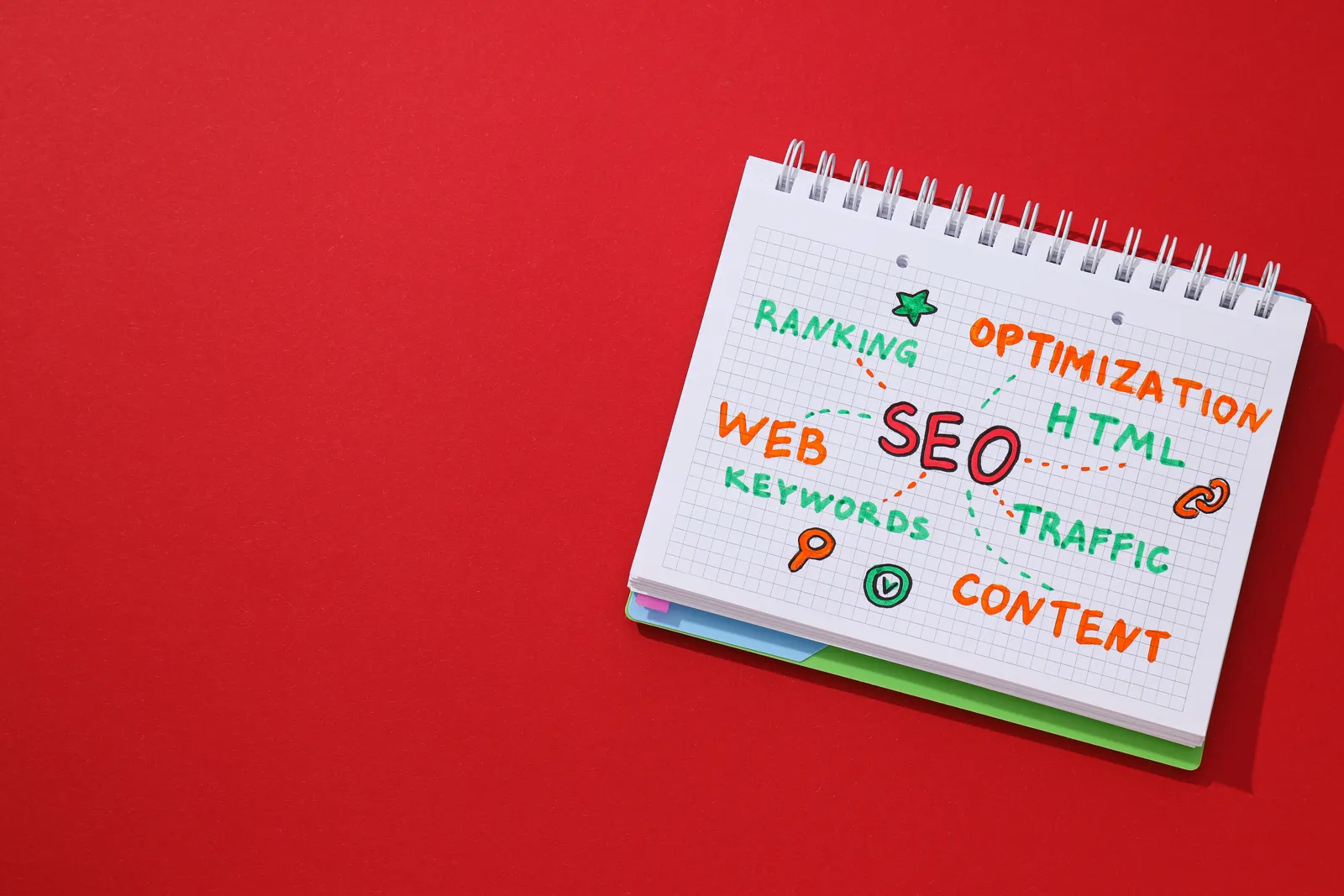
Most technical SEO checklists are written for enterprise sites and then handed to someone with a twelve-page brochure site and no developer. Half the items do not apply. The other half are listed in the wrong order, so the cheap high-impact fixes sit below faceted navigation and log file analysis.
This is the version for a small site. It assumes you have Google Search Console verified and nothing else. Work down it in order.
1. Find out what is indexed, and what is not
Open the Page indexing report in Search Console. Not the Performance report — Page indexing. It splits every URL Google knows about into indexed and not indexed, and it groups the not-indexed ones by reason.
Read the reasons rather than the totals. These are the ones that matter on a small site:
- Crawled — currently not indexed. Google fetched the page and decided against keeping it. Usually a quality or duplication judgement, not a bug. Adding more of the same page will not help.
- Discovered — currently not indexed. Google knows the URL exists but has not fetched it. On a small site this often means weak internal linking to that page.
- Excluded by ’noindex’ tag. Check every one. A stray noindex left over from a staging site is the single most common reason a page has never ranked.
- Duplicate, Google chose a different canonical. Google disagreed with your canonical tag. Click through and look at which URL it picked.
- Page with redirect and Not found (404). Expected in small numbers. A sudden spike means something broke.
Then use the URL Inspection tool on your three most commercially important pages. If any of them is not indexed, stop reading and fix that first. Nothing else on this list matters while a page is invisible.
2. Check the two files that control crawling
robots.txt. Visit yoursite.com/robots.txt in a browser. You are looking for a stray
Disallow: / that blocks everything, and for blocks on /wp-content/ or /assets/ that stop
Google loading your CSS and JavaScript. Google needs those files to render the page. Blocking them
makes your site look broken to a crawler.
Your XML sitemap. Visit yoursite.com/sitemap.xml. It should contain your real, live, canonical URLs and nothing else — no redirected URLs, no 404s, no noindexed pages, no tag archives nobody wants. Submit it in the Sitemaps section of Search Console and check the reported count against what you expect. A sitemap listing 400 URLs on a 30-page site tells you a plugin is generating pages you did not know about.
3. Pick one version of your site and stick to it
Your homepage can be reachable at four addresses: with and without www, over http and https. All four should end up at one URL with a single 301 redirect, not a chain of two or three. Type each version into a browser and watch where you land.
Then check your internal links point at the final URL. Linking to the http version and letting the redirect fix it works, but it wastes crawl requests and it is trivially avoidable.
4. Deal with the URLs you have forgotten
Every site that has been through a redesign carries dead URLs. Look at the Not found (404) list in the Page indexing report and sort by how the URL was discovered.
The rule is simple: if a dead URL has a genuine equivalent, 301 redirect it to that page. If it does not, let it return a 404. Redirecting everything to the homepage is worse than a clean 404 — Google treats those as soft 404s and it hides the problem from you.
5. Titles and headings
Title tags are still the strongest on-page signal you control, and Google rewrites them often. A 2022 study by Zyppy, which compared roughly 81,000 title tags against desktop results, found Google rewrote about 61% of them, and that the rewrite rate climbed sharply once titles ran past 60 characters. Titles between 51 and 60 characters survived most often.
Practical version: keep the title under about 60 characters, put the thing the page is actually about at the front, and drop the brand name from pages where it adds nothing.
For headings, check each page has exactly one H1 and that it describes the page rather than greeting the visitor. “Welcome to our site” is a wasted H1. Subheadings should be H2s in document order, not chosen because of how big the font looks.
6. Structured data, kept small
Most small sites need two things and no more:
- Organization or LocalBusiness markup on the homepage, with the same name, address and phone number that appear in your footer and on your Google Business Profile.
- FAQPage markup where you genuinely have questions and answers on the page. Google has narrowed which sites get FAQ rich results, so treat it as a nice-to-have.
Validate with the Rich Results Test. Ignore anyone telling you to mark up every page type you can find — invalid or irrelevant markup is a liability, not a bonus.
7. Mobile rendering and speed
Google indexes the mobile version of your pages, so the mobile version is the real version. Open your site on a phone and check that the text is legible without zooming, the tap targets are not crammed together, and nothing important is hidden on small screens.
For speed, run PageSpeed Insights and look only at the field data section at the top, which comes from real visitors. The lab score below it is a diagnostic, not a grade. We have written about what those numbers mean in more detail in Core Web Vitals, explained without the jargon.
What to skip
On a small site you can safely ignore log file analysis, crawl budget optimisation, hreflang (if you serve one country in one language), and pagination markup. These are real problems on sites with tens of thousands of URLs. They are not your problem.
The honest caveat
Working through this list removes obstacles. It does not create demand. A technically perfect site that has no pages targeting what people search for, and no reason for anyone to link to it, will sit at the bottom of page two in perfect health.
Technical work is the part you do first because it is finite, cheap and blocking. What comes after it — deciding what to rank for and writing something worth ranking — is the longer job. If you want a second pair of eyes on where your site stands, that is what an SEO audit covers.